Help centre
Straightforward help for setting up tournaments, adding teams, building fixtures, entering scores, and running the day with less stress.
Create your first tournament and get the basics right
Start a new tournament, fill in the core details, and leave yourself with a clean setup to build on.
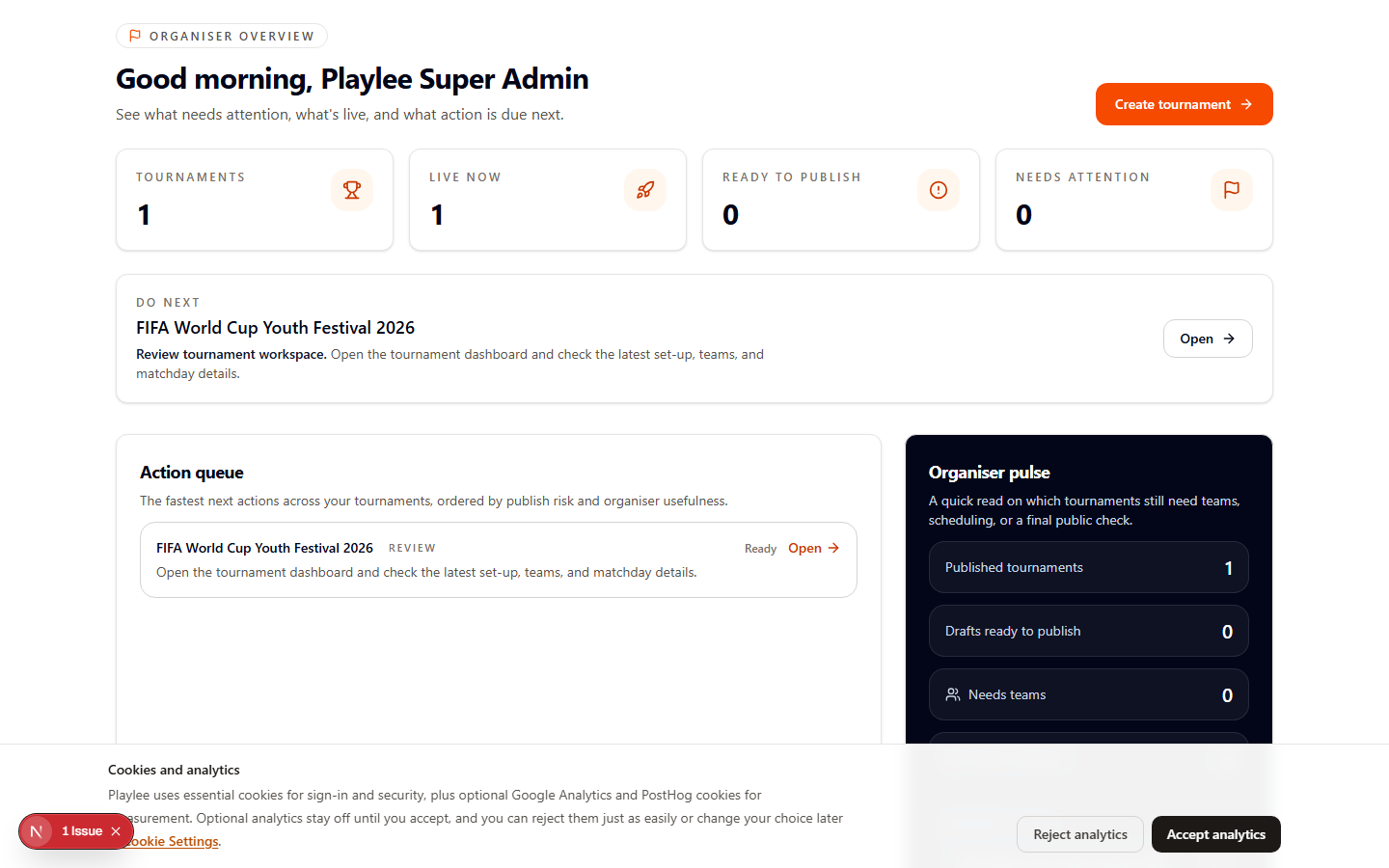
What you will do
This guide gets you from a blank organiser account to a tournament with the right name, dates, and daily timings in place.
The goal is to create a stable starting point so later setup does not need rework.
Before you start
- Have the tournament name, venue, and dates ready.
- Know whether you are running one event day or multiple matchdays.
- Do not share the public link until the basics are checked.
How to do it
- 1Open Create Tournament from the admin home page.
- 2Enter the tournament name, sport, and dates.
Keep the public-facing details clean now so you do not need to re-share later.
- 3Set the daily start and finish times.
These timings affect scheduling later, so use realistic matchday hours.
- 4Save the event and move into setup or settings.
Once the record exists, continue with format, teams, and public details.
Check you are ready
- The tournament name and dates are correct.
- The daily timings reflect the real day you plan to run.
- You can open the tournament workspace without setup confusion.
If something looks wrong
Wrong dates or daily timings at the start usually create avoidable scheduling work later.